

A scope, written in two minutes. Not an hour.
Case studyScope AssistantVideo 1:26
Scoping is where good projects go wrong. We built an intelligence system that reads a client call, runs it through a 22-prompt scoping framework, and delivers a formatted scope document straight to Drive. Every time. In your voice.
- Category
- Operations
- Time to value
- 5 weeks, build and training
- Stack
- Claude, SOW library, Drive or SharePoint
See it in action
Ninety seconds. Start with a client call transcript, finish with a scoping document in Drive.
What it does
The Scope Assistant turns a client conversation into a finished, branded scoping document, automatically. It pulls from your historic SOW library, your price benchmarks, and a 22-prompt framework that mirrors how your best people scope.
Reads client calls
Drop a transcript in. The assistant pulls out scope shape, constraints, budget and stakeholder language.
Knows your past work
Trained on your historic frameworks and price benchmarks, so every new scope is anchored to real engagements.
A 22-prompt framework
Every scope document gets the same depth. Deliverables, dependencies, assumptions and exclusions: no section forgotten.
Lands in Drive
The final document uploads to Drive or SharePoint in your approved format. No copy-paste, no manual filing.
The workflow
Six stages, from the client call to a document ready to review.
-
Client call
Discovery or scoping conversation.
What happens at this step
- Inputs
- Live client conversation captured on a transcription tool.
- Outputs
- A raw transcript ready to feed the system.
- Time
- Length of the call, typically 30 to 60 minutes.
The starting point is a real conversation: a discovery call, a scoping intro, an account review. Whoever runs it captures it on Fireflies, Gong or any tool that produces a transcript. That recording becomes the system’s first input.
-
Transcript and context in
Transcript, budget, project notes.
What happens at this step
- Inputs
- Call transcript, discussed budget, project context notes.
- Outputs
- A structured intake package ready for analysis.
- Time
- Under 60 seconds.
The team uploads the transcript along with the discussed budget, project type and any contextual notes that didn’t make it onto the call. This is the only manual step in the whole workflow, and it takes under a minute.
-
Intelligence ingest
Four-source comprehension.
What happens at this step
- Inputs
- Intake package, historic frameworks, price benchmarks, requirements.
- Outputs
- A structured analysis ready for the prompt framework.
- Time
- Under 30 seconds.
The intelligence layer parses the intake against four reference sources at once: the call transcript, your historic scope framework library, internal price benchmarks and the explicit requirements stated on the call. Nothing is forgotten, nothing is improvised.
-
22-prompt analysis
The framework runs against every section.
What happens at this step
- Inputs
- Structured analysis from the intelligence layer.
- Outputs
- Section-by-section scope content, fully written.
- Time
- 45 seconds.
The agent runs the analysis through a 22-prompt framework. Each prompt maps to a section of your scope document: deliverables, dependencies, assumptions, exclusions, milestones, pricing logic, risks, success criteria. Every scope gets the same depth, every time.
-
Document assembled
Branded format, every time.
What happens at this step
- Inputs
- Section-by-section scope content and the approved template.
- Outputs
- A polished, branded scope document.
- Time
- 15 seconds.
Scope content is assembled into your approved template. Same headings, same tone of voice, same formatting, same branding. Every document leaving the system reads like one a senior lead would write by hand.
-
Upload to Drive
Ready to review and share.
What happens at this step
- Inputs
- Finished scope document.
- Outputs
- A reviewed, shareable document in your storage of record.
- Time
- Instant.
The finished document is uploaded to the correct folder in Drive or SharePoint, named to your convention, and the reviewer is notified. The senior lead opens it, edits if needed, and ships it to the client.
The problem
Every proposal was hand-written from scratch. Scoping quality lived in one person’s head, and growth lived in their calendar.
The most experienced lead would block out the better part of a day to scope a new engagement. She’d ask the right questions, price it against last year’s similar wins, and flag the risks she remembered from the project that went sideways. When she was on holiday, scoping went to whoever was free, and the quality dropped immediately.
The knowledge wasn’t missing. It was locked in one person’s head, in a thousand pages of past SOWs in a folder no one searched, and in pricing decisions that had never been written down.
- 6+ hours per scope, owned by a single senior lead.
- Around 20% of proposals mispriced against actual delivery cost.
- Risk patterns repeated across three losing projects in a row before anyone noticed.
- Junior staff couldn’t scope on their own, a hard bottleneck on growth.
“Every scope was a one-off. We were re-learning the same lessons every quarter.”
The solution
An intelligence system that scopes the way your best person scopes. Trained on the past, framed by 22 prompts, finished in two minutes.
An assistant that scopes like your senior lead
The Scope Assistant takes a client call transcript, contextual notes and the discussed budget. It cross-references your historic scope frameworks and price benchmarks, runs 22 prompts mapped to every section of your scoping template, and delivers a formatted document into Drive, in your house style, in two minutes flat.
- Transcript comprehensionPulls scope signals, constraints and budget from any client call recording.
- Historic framework libraryCross-references the closest comparable past engagements for shape and pricing.
- 22-prompt engineEvery scope section gets its own prompt. Nothing missed, nothing improvised.
- Auto-format and uploadLands the document in Drive or SharePoint in your approved branded template.
- Objectives
- Deliverables
- Dependencies
- Assumptions
- Exclusions
- Timeline
- Pricing
- Risks
Want a scoping assistant for your team?
Share your last ten SOWs. We will build the custom assistant in a single sprint.
Start a sprintThe outcome
Scoping went from a senior-only bottleneck to a two-minute task anyone on the team can run. The senior lead’s role shifted from writing proposals to closing them.
- 2minPer scope, from 1 hourTranscript in, polished document out, no manual reformatting.
- 22Framework promptsEvery section of the scope document covered by its own prompt.
- 3xProposal throughputJunior staff now scope on their own. Senior leads review and close.
More case studies
All our work-
Next Gen Intelligence: raw signal to brief-ready concepts
Case studyIntelligenceVideo 2:40
60k qualitative inputs turned into trends, platforms, personas and cited creative concepts.
-
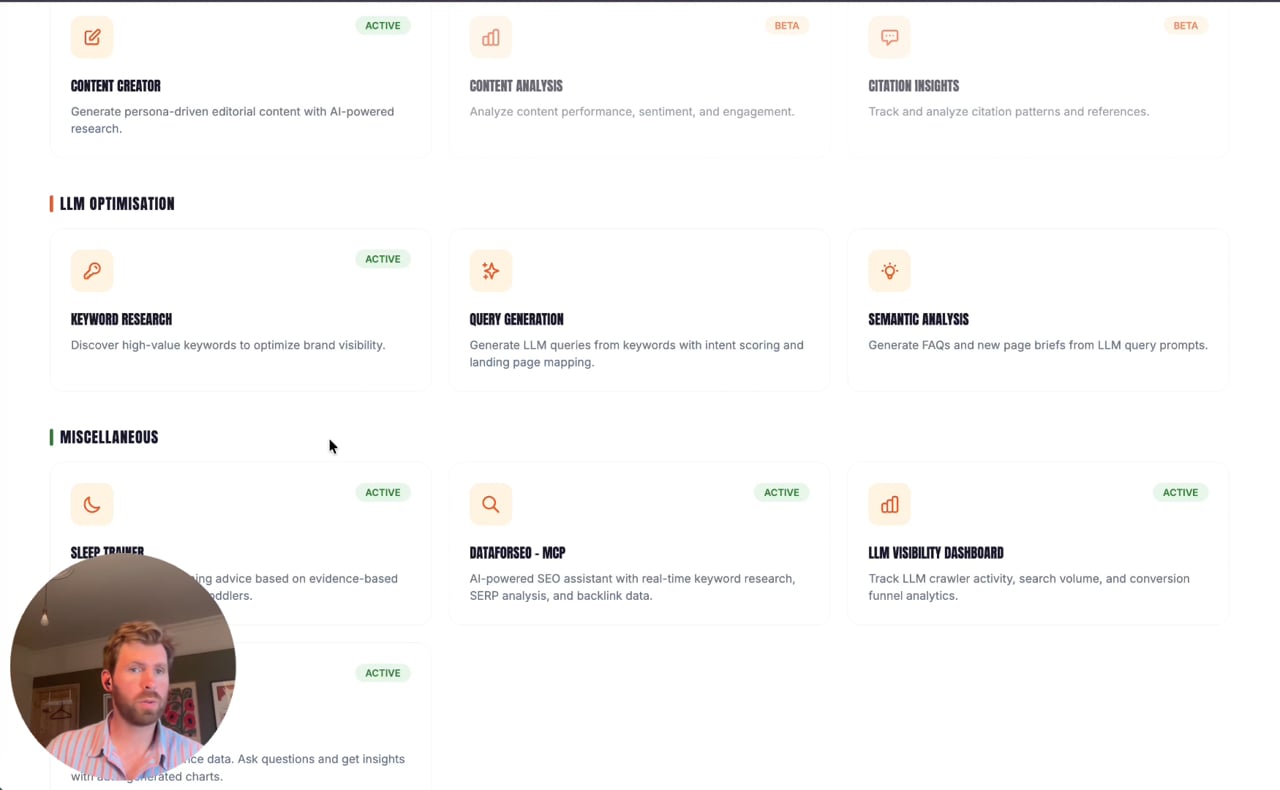
Three days of LLM SEO, in one hour
Case studyWorkflowsVideo 3:10
Keyword research, query generation and a semantic audit, chained into one automated run.
-
Weekly check-inClient callSend the revised media planBook the creative reviewRecap and next steps
Team Agent Assistants: the admin already handled
Case studyEfficiencies
Reads each meeting transcript, reconciles tasks in Trello and drafts the client follow-up in your voice.
Scope like your best person, every time
Send us your past proposals. We will build an assistant that scopes new work in your voice, with your pricing and your risk knowledge.